Add-onsRecorder
Record yourself and your screen. Already in sync.
One take records your camera, a separate mic and your screen. Chomper lines the mic up with the camera and puts the take on the timeline, ready to cut.
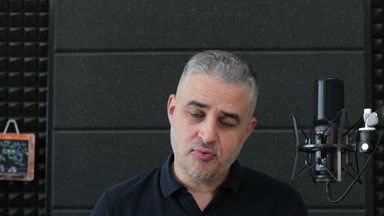
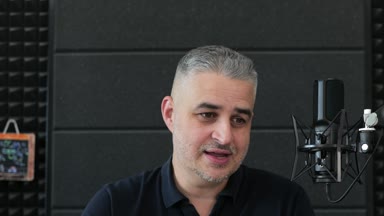
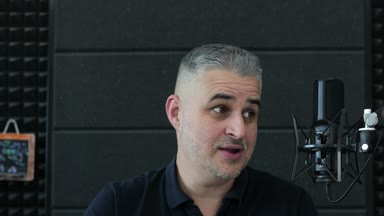
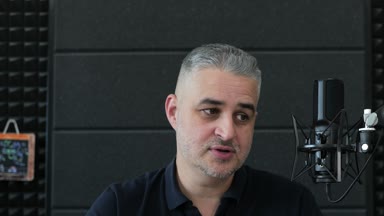
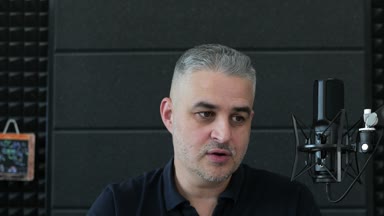
Camera, mic and screen at once
Your camera with its own sound, a separate mic and your screen, in one take.
Lined up by itself
Chomper matches the mic to the camera’s sound, so there’s nothing to sync by hand.
Straight onto the timeline
Stop, and the take opens on a new episode, ready to cut by words, caption and export.
Auto-zoom
The screen recording follows your clicks and typing, so viewers see what you’re doing.
How a take goes
- 01
Open
File → New Recording (⇧⌘R). Your camera and your screen sit side by side.
- 02
Record
A 3, 2, 1 countdown, then one take. Redo throws a bad take away and counts down again.
- 03
Stop
The take becomes a new episode, or joins the end of one you choose.
- 04
Finish
Cut by words, add captions and export, like any other episode.
$49once, for a Lifetime license
Included in Monthly. Also in the Lifetime Add-on Pack. 14-day refund, no questions asked.
Buying for a Lifetime license asks for your license key, so Recorder is added to that license. You can also buy it in Chomper → Settings → Add-ons. See plans and current deals